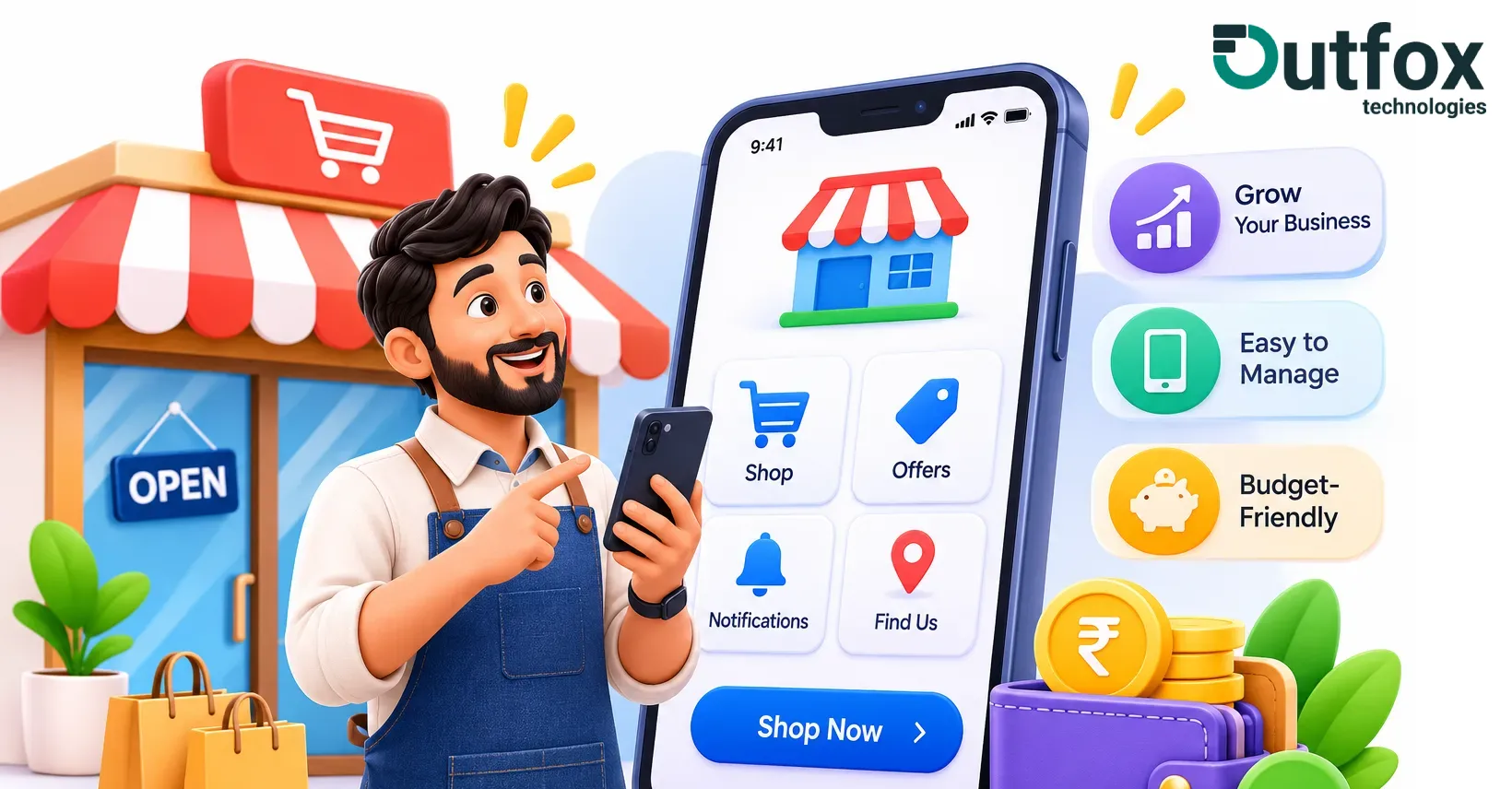
A small shop does not need an expensive app. It needs the right app solution for the one or two jobs that bring customers back.
Search for "app for small shop" and you will find hundreds of billing apps, store builders and agencies promising "your own app". Most of that is either too small to matter or too big for a shop's budget. The truth sits in the middle: a few mobile app solutions genuinely help a small shop sell more, and each one suits a different kind of shop.
This guide compares those options, explains what drives the cost of a shop's own app, and shows how to start small without building something you will have to throw away. It is written by Outfox Technologies, a Kochi-based digital team and official TRIX partner that builds mobile apps for small businesses across India, so the advice comes from real shop projects rather than a feature list.
What Are Budget-Friendly Mobile App Solutions for Small Shop Owners?
Budget-friendly mobile app solutions for small shop owners are the low-cost ways a shop can use a phone app to take orders, bookings and payments, keep customers coming back, and run the shop more smoothly, without the cost of a large, fully bespoke app. They range from ready-made business apps to a custom customer app built from proven components.
"Budget-friendly" here means the total cost is small compared with the extra sales or saved time it brings, not simply the cheapest option on the list. A free app that nobody at the shop uses is not budget-friendly. A custom app that doubles repeat orders usually is.
Does a Small Shop Really Need a Mobile App?
Not every shop does, and it is worth being honest about that before spending anything. A shop benefits from an app when customers come back regularly, when orders or bookings arrive by phone and WhatsApp all day, or when the owner is losing track of stock, payments or follow-ups. A shop that mostly serves walk-in customers once will get more from a good website and a Google Business Profile.
The clearest signs that an app will pay for itself:
- Repeat customers: groceries, bakeries, pharmacies, pet supplies, salons and tuition centres all live on repeat visits.
- Orders by chat: if your evenings go on replying to "do you have this?" and "what is the price?" messages, an app with a catalogue and order button saves hours.
- Bookings and slots: salons, clinics, repair shops and service centres lose customers when the phone is busy.
- Loyalty you track by memory: stamps, discounts and credit written in a notebook can live in the customer's phone instead.
The 5 Types of Mobile App Solutions a Small Shop Can Use
Most "app" advice lumps everything together. These five are different tools for different jobs, and a small shop usually needs one or two of them, not all five.
| Solution | What it does for the shop | Best for | Cost pattern |
|---|---|---|---|
| Ready-made billing and inventory app | GST bills, stock, ledgers and payment reminders on the owner's phone | Any shop that still bills by hand or in a notebook | Free or small monthly subscription |
| WhatsApp Business and a WhatsApp CRM | Catalogue, quick replies, order chats and follow-ups in one shared inbox | Shops that already take orders on WhatsApp | WhatsApp Business is free; a CRM such as Trixloop is a monthly plan |
| Online booking app | Customers pick a date and time and confirm without calling | Salons, clinics, repair and service shops | Monthly plan for a booking engine such as BookB |
| Mobile-friendly web app | Catalogue, ordering and payments through the browser, installable to the home screen | Shops that want ordering now and a native app later | One-time build plus hosting |
| Custom customer app (Android and iOS) | Orders, loyalty, offers, notifications and payments, built around how the shop works | Shops with regular customers and a clear repeat-order habit | One-time build from reusable components, plus a small care plan |
Trixloop and BookB are built by TRIX and sold, set up and supported by Outfox. Ready-made billing apps are widely available and we help shops connect them rather than replace them.
Which Solution Should Your Shop Start With?
The right starting point depends on how your customers already buy from you. A quick guide by shop type:
- Grocery, kirana and provision stores: start with a billing and inventory app for the counter and WhatsApp Business for repeat orders. Move to a custom ordering app once the same customers order weekly.
- Bakeries, cafés and home food businesses: a mobile-friendly web app for pre-orders and online payment, with WhatsApp for order updates. Add loyalty in a custom app when regulars become the main business.
- Boutiques, clothing and gift shops: a catalogue customers can browse on their phone with a "reserve" or "order" button, and a WhatsApp CRM so enquiries are not lost. See our guide to an affordable eCommerce website for small businesses in India for the online store side.
- Salons, clinics, tuition and repair services: online booking first. It removes the busiest phone calls and fills empty slots. A custom app comes later for reminders and packages.
- Electronics, mobile and hardware shops: a service-tracking app so customers can check repair status, plus a WhatsApp CRM for quotes and follow-ups.
What Does a Custom Shop App Cost in India?
There is no honest single figure, because an app for a bakery with pre-orders and an app for a pharmacy with prescriptions and delivery are different projects. What is honest is the list of things that move the cost, and a small shop can control most of them.
The Factors That Decide the Cost
| Cost factor | What pushes the cost up | How to keep it budget-friendly |
|---|---|---|
| Platforms | Separate native apps for Android and iOS | One codebase for both, or Android first where most of your customers are |
| Features | Every idea built in version one | One main job in version one, the rest phased |
| Design | Fully bespoke screens from a blank canvas | Proven screen layouts in your brand colours |
| Backend and admin panel | Custom dashboards built from scratch | Reusable admin components, connected to your existing billing where possible |
| Integrations | Payments, delivery, accounting and SMS all at launch | UPI payments and WhatsApp notifications first |
| App store publishing | Rejections and resubmissions | A team that has published before and prepares the listing properly |
| Maintenance | No plan, so every OS update becomes an emergency | A small monthly care plan for updates and fixes |
One-Time Costs Versus Running Costs
- One-time: design, development, testing, backend setup and publishing to Google Play and the App Store.
- Recurring: developer account fees for the app stores, hosting for the backend, WhatsApp or SMS message charges, payment gateway charges on each order, and maintenance.
Most of the recurring items are small for a single shop. The one to plan for is maintenance: Android and iOS change every year, and an app that is never updated eventually stops installing.
Essential Features for a Small Shop's Customer App
A first version should do one job well. For most shops, that job is "let my regular customers order or book without calling me". These are the features that make that work:
- Product or service list: clear photos, prices and availability, updated from a simple admin panel or your billing software.
- Order or booking button: a two- or three-step flow with pickup, delivery or time slot.
- UPI and card payment: through an RBI-regulated gateway, with pay-at-shop as an option.
- Order status and notifications: "received", "ready" and "out for delivery", sent by push or WhatsApp.
- Customer login by phone number: OTP login, no passwords to forget.
- Loyalty or offers: a simple stamp card or points balance that gives customers a reason to use the app again.
- Call and WhatsApp buttons: one tap to reach the shop when something is unclear.
- Owner dashboard: today's orders, pending payments and a way to mark items out of stock from the phone.
Features That Can Wait
- Multiple branches and staff roles
- Referral programmes and wallet credits
- Live delivery tracking on a map
- Accounting and ERP integration
- In-app chat (WhatsApp does this already)
- Multi-language interface, unless your customers need it from day one
8 Ways to Keep a Shop App Budget-Friendly
- Start with one job. Ordering, booking or loyalty. Not all three. Version one should be small enough to launch in weeks and simple enough for customers to understand in seconds.
- Build from reusable components. Login, catalogue, cart, payments, notifications and admin panels are the same in most shop apps. An experienced team reuses proven components for these and spends its time on what is specific to your shop. This is how a custom solution stays affordable.
- Use one codebase for Android and iOS. Cross-platform development gives you both stores from one build, which cuts cost and keeps future updates cheaper.
- Consider a web app first. A mobile-friendly web app with an "add to home screen" prompt gets ordering live quickly, and the same backend powers the native app later.
- Reuse what you already have. If your website has a catalogue or your billing software has stock data, the app should read from it rather than duplicate it.
- Send notifications on WhatsApp. Customers already read it, and it avoids building and maintaining complex push notification flows in version one.
- Phase the extras. Write loyalty tiers, referrals and branches into a phase-two list, so they are planned for but not paid for yet.
- Budget for a care plan. A small monthly plan for OS updates, bug fixes and minor changes costs far less than an emergency rebuild when a store policy changes.
How to Get Customers to Actually Install and Use the App
Plenty of shop apps are built and then forgotten, because nobody planned the launch. The launch is simple and mostly free:
- A QR code at the counter with a small sign: "Order on the app and skip the queue."
- A launch offer that only works in the app, such as a free item on the first order or double loyalty stamps for the first month.
- A WhatsApp broadcast to existing customers with the download link and the offer.
- The link everywhere: Google Business Profile, Instagram bio, bills and delivery packaging.
- Notifications that are worth opening: order updates, restocks and genuine offers. Daily promotions get the app uninstalled.
- Ask for reviews on Google Play and the App Store after a good order. A handful of real reviews makes new customers trust the app.
If you want the shop itself to be found more easily on Google and in AI assistants, our guide to SEO, AEO and GEO covers that side.
Mistakes That Make a Cheap App Expensive
- Copying a big brand's app: a small shop does not need the features of a national delivery app. It needs the two things its regulars actually do.
- Building before deciding who updates it: prices, stock and offers change daily. If updating the app is hard, it goes stale within a month.
- Choosing a team that has never published an app: app store reviews, policies and updates are a skill. Ask to see apps the team has live on Google Play and the App Store.
- Skipping the launch plan: an app with no QR code, no offer and no announcement gets no installs, however good it is.
Frequently Asked Questions
Can a small shop afford a custom mobile app?
Yes, when it is scoped to one job and built from reusable components by an experienced team. The cost of a small ordering or booking app is far below what most shop owners expect, and it is paid for once, with only small running costs for hosting, app store accounts and maintenance.
Should I build for Android only or for iOS too?
Check your customers first. In most Indian neighbourhoods Android is the majority, so Android first is a sensible way to launch. A cross-platform build gives you both from one codebase, so adding iOS later does not mean starting again.
Is a mobile app or a website better for a small shop?
A website is for being found by new customers; an app is for keeping the customers you already have. Most shops need a good mobile-friendly website first, and an app once repeat customers are the main business. A web app can bridge the two.
How long does it take to build a shop app?
A focused first version built from proven components can be ready in a few weeks, with app store review adding a little more. Delays usually come from product photos, price lists and policy decisions, not from development.
Can the app connect to my existing billing software?
Often, yes. Many billing and inventory apps offer exports or connections that a custom app can read, so stock and prices stay in sync. We check this before development starts so the app fits how you already run the shop.
Build a Budget-Friendly Shop App With Outfox
Outfox Technologies builds custom Android and iOS apps for small shops and service businesses in Kochi and across India, and sets up Trixloop and BookB, built by TRIX, for shops that need WhatsApp or booking first. We will tell you honestly which solution fits your shop, which features belong in version one, and give you a clear quote based on your actual requirements.
Tell us what you sell and how your customers order today. Contact us or message us on WhatsApp, and we will suggest the most budget-friendly way to get your shop into your customers' phones.