
Managing a small business means keeping track of many responsibilities at once. You are dealing with queries, following up on leads, sending quotes, catering to your existing clients, and consistently looking for new opportunities. Initially, you might find it easy to manage everything using a notebook, an Excel sheet, or just by looking back through your WhatsApp messages.However, as you grow, things start getting out of hand. Maybe a potential customer doesn’t get a reply in time or you forget exactly what you promised someone two weeks ago. These slips might sound small, but they can easily cost you business and hurt your reputation.
That’s when using a CRM system can become a practical choice for your business. A CRM gives you one place to store all your customer info, track your leads, and stay on top of follow-ups. Still, not every small business needs to jump in right away. Let’s look at when it’s actually time to switch, and how you’ll know.
What Is a CRM System, Anyway?
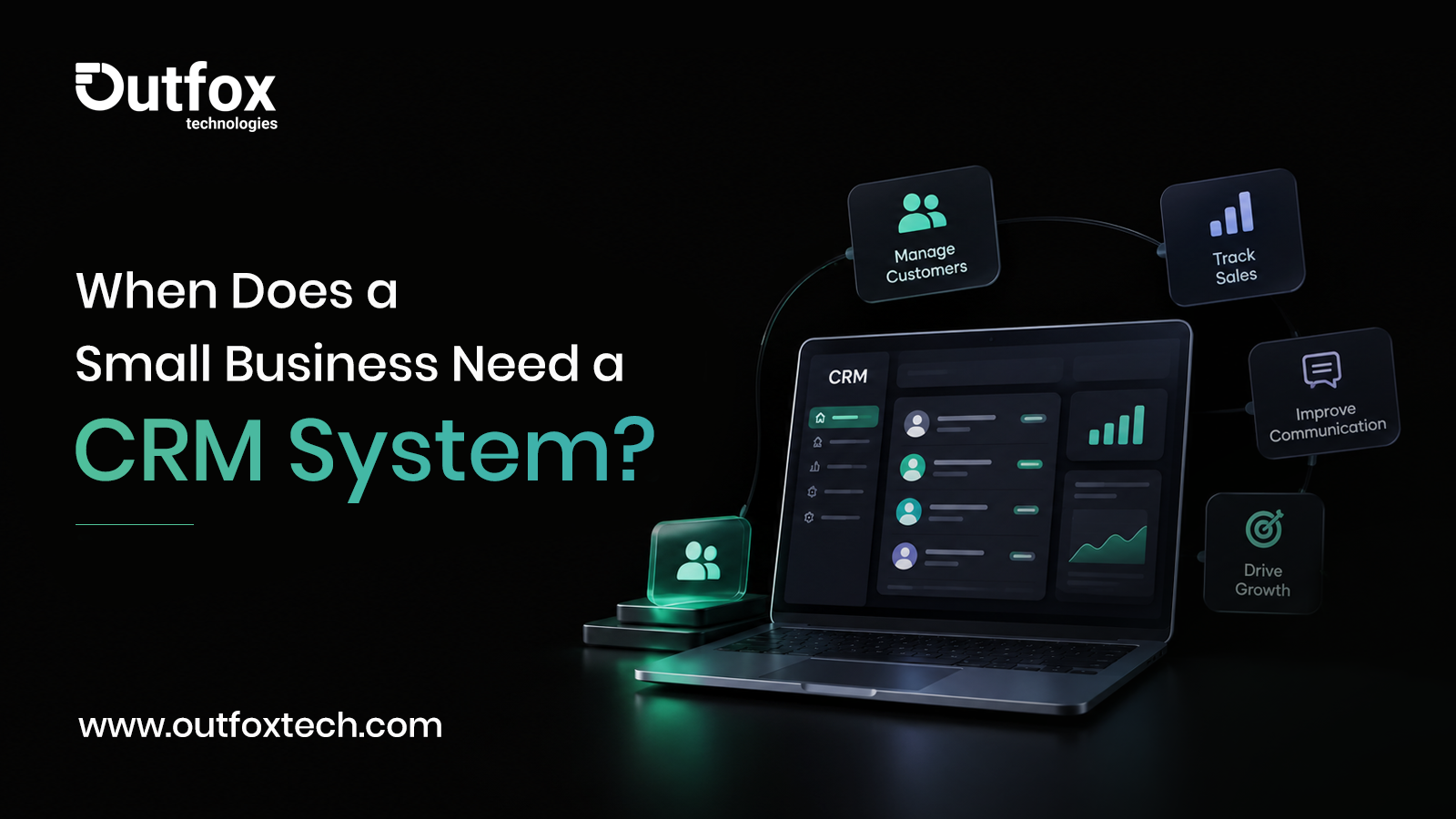
CRM is an abbreviation for Customer Relationship Management. In essence, CRM is a program that enables you to monitor customer records, save your communication history, keep leads in line, and record sales activities.
When you have information strewn across emails, spreadsheets, and various chat apps, CRM system brings it all into one place. That way, your team can find out what happens with every customer without searching elsewhere.
Use this example:
you are a web design studio owner. One prospect contacts you through your site, another one writes you on Instagram, and the third one calls you to talk about prices. Instead of stacks of sticky notes or emails, CRM allows you to record all of your communications.
Many CRM tools offer features such as follow-up alerts, email integration, performance reports, and sales tracking.
1. You’re Losing Track of Customer Enquiries
Here’s a big red flag: you can’t keep up with new enquiries. Some come by email, others over the phone, some through social media, and plenty over chat apps. When you’re juggling all these sources by hand, sooner or later you’ll miss a message or someone won’t get a reply.
Let’s say you run a furniture shop and every day brings at least a handful of custom requests. If you’re just scrolling through chats, it’s easy to miss someone or give a half-answer and then forget. A CRM organizes those leads, tracks what people want, when they reached out, and if you’ve followed up. You instantly see what needs your attention — and nobody gets forgotten.
2. Your Team Forgets to Follow Up
Most customers don’t buy straight away. They need to think, compare, or ask their boss, and that’s normal. But if you don’t have a way to track who’s waiting on a follow-up, a hot lead can go cold fast.
A CRM system helps by letting you set reminders, assign follow-up tasks, and see who’s still waiting for a response. Think about a real estate agency: one customer wants to see a property on Saturday, another says call them next week after talking to family. With a CRM, you record all that and make sure nobody slips through.
This doesn’t mean your follow-ups turn robotic. The CRM just helps you pick up the conversation where you left off, not blast everyone with the same template.
3. Your Customer Info Is Spread Out Everywhere
If you have one person with the client’s phone number, another with the quote saved, and someone else with the email thread, things get messy. Maybe you can handle it while you have ten customers, but as that grows, those scattered details turn into chaos.
A CRM gives everyone (with the right permissions) a shared record. So when a customer calls, your team can quickly review notes, past orders, and conversations — without playing detective. For service businesses especially, this is a lifesaver. Your marketing agency, for example, can keep all a client’s campaigns, meeting notes, and renewal dates organized in one spot.
4.You’re Unsure Where Your Sales Opportunities Stand
Getting enquiries is great, but what happens after? If you don’t know which leads are close to buying, who’s stuck waiting for a quote, or where most deals fall apart, you’re flying blind.
This is where a CRM’s sales pipeline helps. You see every lead moving through stages like new enquiry, quote sent, negotiation, won, or lost. Suddenly, you know where business is flowing — and where your process needs fixing. If lots of leads go quiet after you send quotes, maybe it’s time to tweak your pitch or improve your follow-ups.
5. Your Business Is Growing, but Your Process Isn’t
Success brings more of everything: more clients, more messages, more work. The system functioning adequately for ten inquiries per week may collapse under fifty. If your staff is spending multiple hours on spreadsheets or tracking information manually, then it’s about time to change the way you operate.
It is not about using technology just for technology’s sake. They key aim is to save time and make things easier, as opposed to making things more difficult and complicated. Identify the processes that require the most time and then look for a CRM that can help you with these issues without overwhelming you with a multitude of functionalities that you will never use.
6. You Want to Build Stronger Customer Relationships
Selling once isn’t the end. Customers might need support, maintenance, renewals, or just a reminder now and then about what you offer. If you don’t keep good records, it’s easy to forget who prefers what, who had problems in the past, or who you promised to check in on.
A CRM makes it simple to remember all that. Maybe you’re a digital agency, and you want to reach out before a contract ends — no more last-minute renewals. Or you own a salon and want to suggest the right services when someone calls. With a CRM, that personal touch becomes much easier.
Do All Small Businesses Need a CRM?
No, not always. If you’re handling a handful of customers, only getting a few enquiries, and your spreadsheet works just fine, then a CRM might be overkill right now.
But if you’re missing leads, forgetting follow-ups, can’t find client details, or struggle to track sales, it’s time to explore your options. Before you pick any tool, ask yourself: how big is my team, how do customers reach us, do we need any automation, and what’s the budget? Also, check if your shortlisted CRM works well with what you already use and offers the security you need.
Forget the hype about fancy, expensive platforms loaded with features you’ll never touch. A simple CRM your team will actually use beats a complicated one they’ll avoid every time.
Final Thoughts
When the manual processes aren’t working any longer, small companies typically look for a CRM to help them with lost inquiries, missed opportunities, or wasted time searching for information. An excellent CRM lets you keep track of everything that happens in sales, nourishes relationships, and keeps everybody in the team on the same page.
Reevaluate your daily operations. Where do things get missed? What causes frustration? If a CRM system can untangle that mess without adding a new headache, it’s worth considering.
At Outfox Technologies, we work with businesses to find smart, practical tech solutions that match the way you really work — whether that’s a new website, automating time-consuming tasks, or building custom software.
Ready to simplify your business? Let’s figure out the right tech for your needs.